

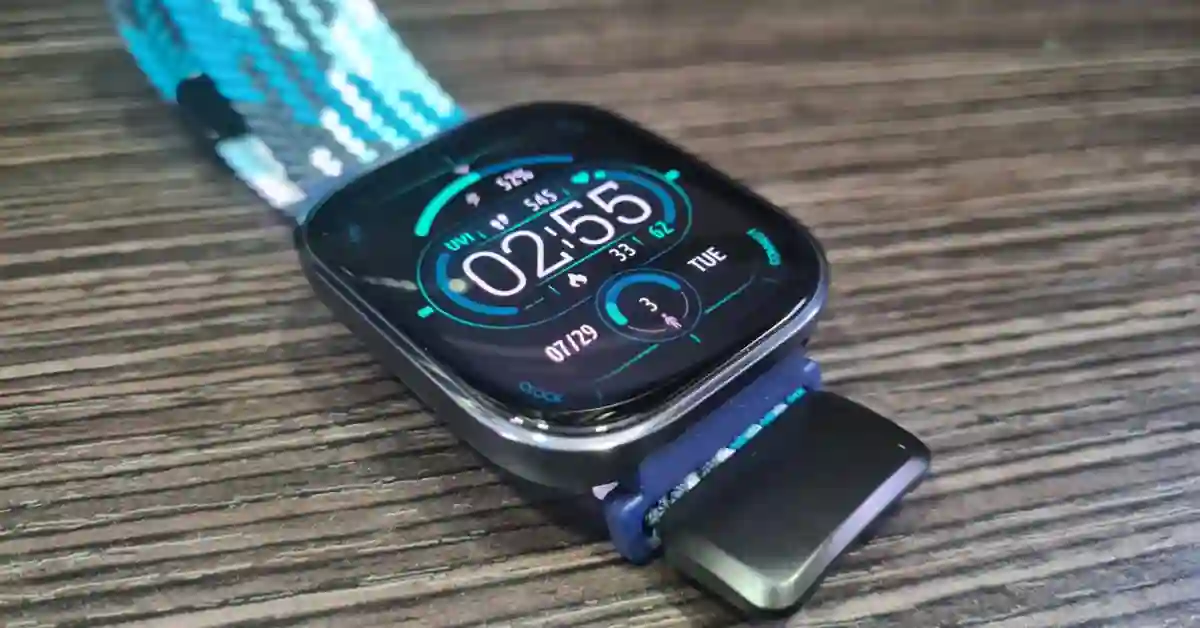
The Amazfit Bip 6 Firmware v3.3.12.4 Update has landed, and it is a game-changer.
Zepp Health just release firmware version 3.3.12.4, and it’s not a drill. This isn’t just some boring patch; it’s a massive feature drop that brings pro-level running metrics and usability fixes usually reserved for the expensive flagship smartwatches.
Basically, your Bip 6 just got a powerful, free performance boost. Let’s dive into the three biggest changes and how you can use them to improve your training starting today.
Free Running Coach: Time to Analyze Your Form
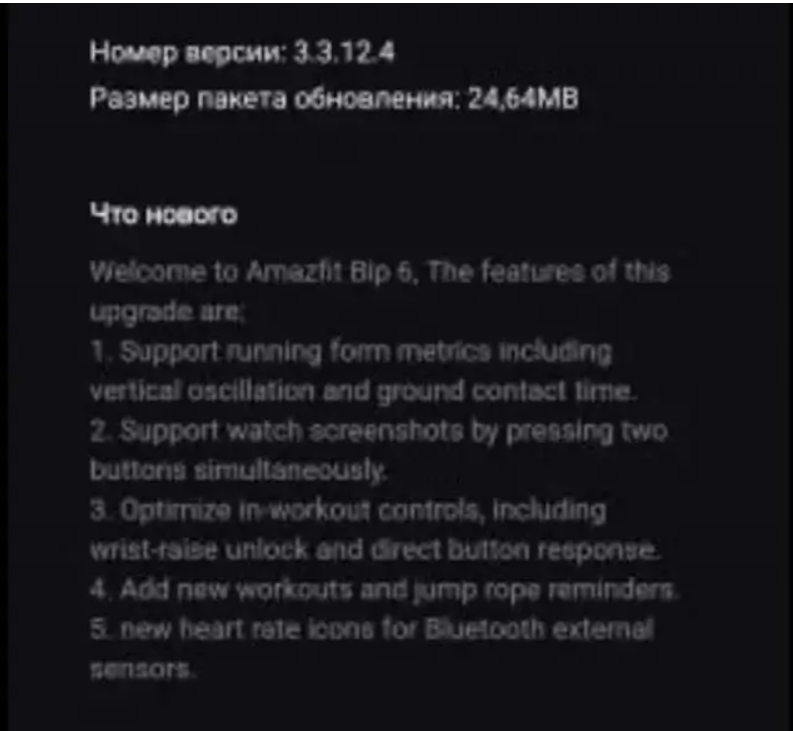
This is the most incredible part of the update. Your budget watch can now track advanced running dynamics.
If you’ve been wanting to improve your speed or reduce injury risk, you can finally stop guessing and start using data.
The Bip 6 now tracks two key form metrics:
Vertical Oscillation (VO)
- What it is: How much you bounce up and down with each stride.
- Why it matters: High bounce means you’re wasting energy going vertical instead of horizontal.
Pro Tip: Try increasing your foot speed (cadence) to flatten your stride and drive this number down. Less bounce = more speed.
Ground Contact Time (GCT)
- What it is: How long your foot spends planted on the ground.
- Why it matters: A long GCT often means you’re overstriding.
Pro Tip: Focus on a quick “tap” and getting your foot underneath you faster. A shorter GCT means better running efficiency.
The Bottom Line? You now have the actual numbers needed to analyze and adjust your running form. That’s fantastic power for a watch at this price.
The Usability Fix: Screenshots, Clarity & Speed
The developers definitely listened to the users here. They polished the little everyday interactions that used to be kind of annoying.
The Quality-of-Life Boosts
- Instant Screenshots: This is a big “Finally” moment. Want to save that new PR screen or show off your cool watch face? You can now capture any screen by just pressing the two side buttons simultaneously. So quick and easy.
- Smoother In-Workout Controls: No more frustrating lag when you’re trying to hit the lap button. The update optimizes responsiveness so the wrist-raise unlock is quicker, and the buttons react instantly when you need them.
- External HR Clarity: For the dedicated athletes who use a Bluetooth chest strap for maximum heart rate accuracy (you know who you are), the watch now displays distinct HR icons. You’ll know immediately if the data is coming from the ultra-accurate strap or the wrist sensor—a huge win for accurate interval training.
New Training Tools
They also threw in some bonus stuff: new workout modes to cover more of your activities, plus smart Jump Rope Reminders to keep you consistent.
How to Get Amazfit Bip 6 Firmware v3.3.12.4 Update
This update is rolling out in phases, so if you don’t see it right away, just hang tight—it’s coming!
- Make sure your Zepp App is the latest version on your phone.
- Keep your Bip 6 connected via Bluetooth.
- The v3.3.12.4 firmware notification will pop up in the Zepp app’s device settings when your turn is up.
Seriously, this update makes the Amazfit Bip 6 an unbeatable deal. You literally have nothing to lose but your old, inefficient running form.
So, what are you checking first? The Vertical Oscillation or Ground Contact Time? Let me know.
You May Also Like:-
