


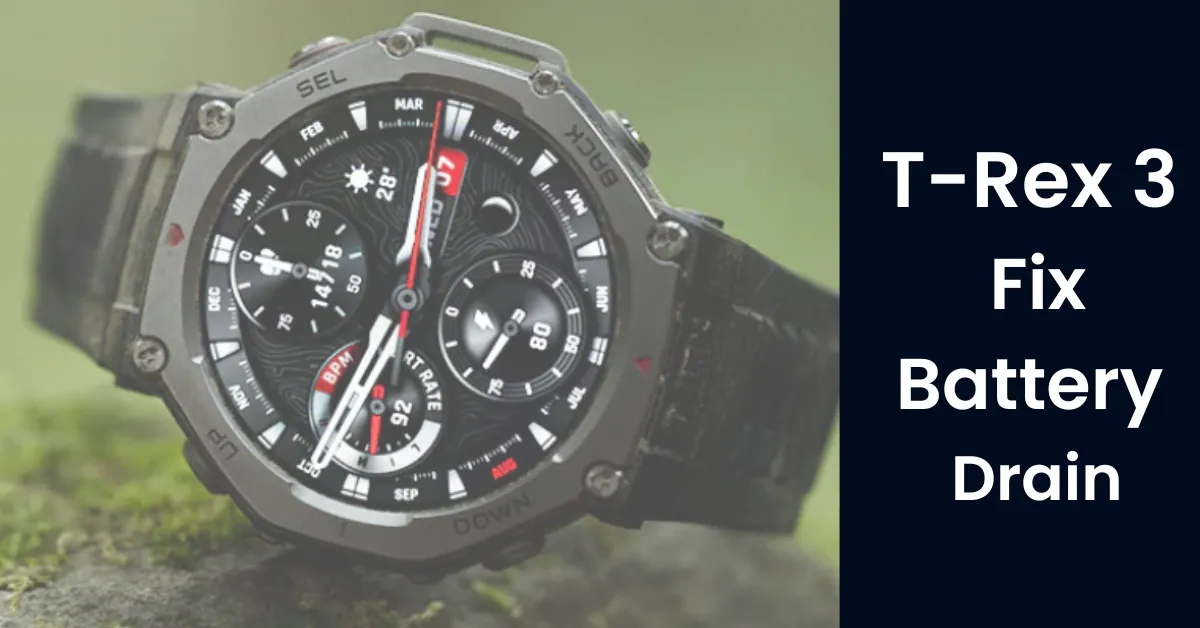
Your 27-day battery life dropped to 4 days? Here’s exactly why it happened — and how to fix it.
If you woke up this week to find your Amazfit T-Rex 3 sitting at 40% after a full night’s charge — you are not alone. Thousands of T-Rex 3 owners on Reddit and the official Zepp community forums are reporting the same thing: their watch’s battery life has collapsed from the advertised 25–27 days down to a shocking 4–10 days, almost overnight.
The culprit? The Zepp OS 5 (v4.1.6.9) update and the June 2026 HybridCharge patch introduced a background sensor bug that is silently draining your battery while you sleep.
(TL;DR): If your T-Rex 3 is losing 10%+ overnight, the update has most likely glitched the optical heart rate array or the watch face pause cycle. The fastest resolution is an Unpair → App Cache Purge → Factory Reset sequence. Read on for the full step-by-step breakdown.
If you’re unfamiliar with the T-Rex 3, see our full review –A $400 Garmin Alternative with Built-in LED Flashlight
Why the Zepp OS Update Is Killing Your Battery
This isn’t random wear-and-tear on your battery cell. The Zepp OS update introduced at least three distinct software-level bugs that work together to keep your watch processor and sensors active 24/7 — even when the display is off and you’re asleep.
The Sensor Loop Glitch
The update forces the green optical PPG heart rate sensor to stay ON continuously overnight — even when sleep tracking is disabled in settings.
The Watch Face onPause() Bug
Third-party watch faces from the Zepp store fail to enter sleep mode when the AMOLED display turns off, keeping the processor running at full capacity.
Bluetooth Sync Storm
A handshake glitch between the Zepp app and iOS 19 / Android 15/16 causes constant background wake-ups all through the night.
The result: your watch is effectively running at full power all night, burning through battery that should last nearly a month.
4 Proven Fixes for the T-Rex 3 Battery Drain
Work through these steps in order. Most users are fully resolved by Step 2 or Step 3.
1. Full Bluetooth and App Cache Purge
This clears out corrupted update data that is sitting between your phone and the watch.
On Android: Go to Settings → Apps → Zepp → Storage → Clear Cache and Clear Data.
On iOS: Fully offload and reinstall the Zepp app from the App Store (Settings → General → iPhone Storage → Zepp → Offload App).
Then in the Zepp app: go to your device card → tap the gear icon → scroll to Unpair Device. Confirm the unpair and wait 60 seconds before re-pairing.
2. Hard Hardware Factory Reset
This is the most effective fix for the majority of users. It wipes the corrupted firmware state from the watch itself.
On the T-Rex 3, navigate to: Settings → System → Factory Reset.
Critical: When setting up again, choose “Set up as new device” — do NOT restore from a backup. Restoring from backup re-imports the same corrupted watch face and app configuration that caused the drain in the first place.
3. Disable the High-Frequency Sensor Handshake
Until Zepp releases a micro-patch, temporarily turn off the sensors that are stuck in an active loop. In the Zepp app, disable:
- Auto Stress Monitoring (Profile → Health Monitoring → Stress)
- Sleep Breathing Quality (SpO2 continuous tracking)
- Blood Oxygen Auto-Detection
These three sensors together account for the majority of the PPG loop bug. You can re-enable them once Zepp confirms the patch.
4. Revert to a Stock Watch Face
This one fix alone has resolved the drain for dozens of users in the Reddit thread. The onPause() bug only affects third-party and custom animated watch faces downloaded from the Zepp store.
On the watch: press and hold the display → swipe to a factory-installed watch face → select it. Any of the pre-installed Amazfit faces will work. Immediately test your overnight drain — many users report jumping back from 15%/night to under 2%/night with this step alone.
While waiting for the official Zepp patch, check out the Best Rugged Replacement Bands for T-Rex 3 on Amazon to refresh your watch’s outdoor look
The 24-Hour Diagnostic Test
Not sure if it’s the software bug or a genuinely degraded battery cell? Run this test before contacting support or considering a warranty claim.
- Charge the T-Rex 3 to exactly 100%.
- Turn Bluetooth OFF on your phone entirely — this cuts the sync loop.
- Enable Do Not Disturb (DND) mode on the watch.
- Place the watch face-down on a flat surface. Do not wear it.
- Leave it completely untouched for exactly 24 hours.
- Check the battery level. Read the verdict below.
Test verdict
| Battery Drain Test Result | Likely Cause | Recommended Action |
|---|---|---|
| Lost less than 3% in 24 hours | App sync loop | Software fix usually works |
| Lost 3–8% in 24 hours (fully disconnected) | Deep background process | Try a factory reset |
| Lost more than 8% in 24 hours | Possible hardware issue | Contact Amazfit Support |
Will Amazfit Release a Patch?
Yes — Zepp Health has acknowledged the community feedback and is actively working on optimization rollouts. The HybridCharge feature itself is confirmed to be receiving a follow-up stability update, though no exact release date has been announced as of this writing.
In the meantime, you can directly escalate the bug to the development team. In the Zepp app, go to Profile → Feedback → Submit. Attaching your device logs significantly increases the chance of your specific issue being addressed in the next patch. The more users who submit, the faster the fix arrives.
Keep an eye on the Zepp OS changelog in the app under Profile → Device → Firmware — and do not auto-install the next update the moment it drops. Give it 48–72 hours for the community to report in before updating.
People also ask
Why is my Amazfit T-Rex 3 Battery draining so fast after the update
The Zepp OS firmware update introduced at least three background bugs that keep your watch hardware active around the clock — even when you’re not wearing it. The most widely reported cause is the active heart rate monitoring feature, which the update forced into a continuous loop — even when sleep tracking was disabled. A second issue is that third-party watch faces downloaded from the Zepp store fail to enter sleep mode when the AMOLED display turns off, keeping the processor running at full power all night. A third is a Bluetooth handshake glitch between the updated Zepp app and newer versions of Android and iOS, causing constant background wake-ups.
Before the update, most T-Rex 3 owners saw 2–7% daily drain. Post-update, community reports put the figure at 5–10% per day — effectively cutting battery life from 25+ days down to 10 days or fewer.
Does disabling heart rate monitoring fix the T-Rex 3 battery Drain?
Yes — for many users, disabling continuous heart rate monitoring is the single fastest fix. The active heart rate monitoring feature introduced in Zepp OS firmware updates appears to be the primary driver of the sensor loop bug. To disable it, open the Zepp app → tap your device → tap Health Monitoring → toggle off the 4th option (Continuous Heart Rate).
You can also disable it directly on the watch by going to Heart Rate app → Settings → toggle off continuous monitoring. Note that turning this off means you won’t get real-time resting heart rate alerts until Zepp releases an official patch that fixes the underlying loop bug.
Should I do a factory reset on my Amazfit T-Rex 3 to fix battery Drain?
Yes — a factory reset is the most effective single fix, but only if you set the watch up as a new device afterward, not from a backup. The factory reset clears the corrupted firmware state from the watch itself. The critical mistake most users make is restoring from their Zepp backup immediately after — this re-imports the same glitched watch face and app configuration that caused the drain in the first place, and the problem returns within 24 hours.
To reset: on the watch navigate to Settings → System → Factory Reset. After the reset, open the Zepp app, tap “Add Device,” and configure from scratch. Avoid installing third-party watch faces from the Zepp store until a software patch confirms the bug is resolved.
Final Thoughts
Don’t Panic, Your Hardware is Safe” “The sudden battery drain on your T-Rex 3 is frustrating, but remember it’s entirely a code-level issue tied to the latest Zepp OS rollout. By applying the Bluetooth purge and reverting to a stock watch face, you can easily bridge the gap until Amazfit pushes a permanent hotfix. Monitor your drain overnight after trying these steps—if it drops less than 2%, you’ve successfully patched the leak.
Over to You: Did It Work?” .Which specific step stopped the battery drain for your T-Rex 3? Are you running custom watch faces or experiencing the overnight green light loop? Drop a comment below with your current battery stats and phone OS (iOS or Android)—let’s build a tracker to help other community members.
