


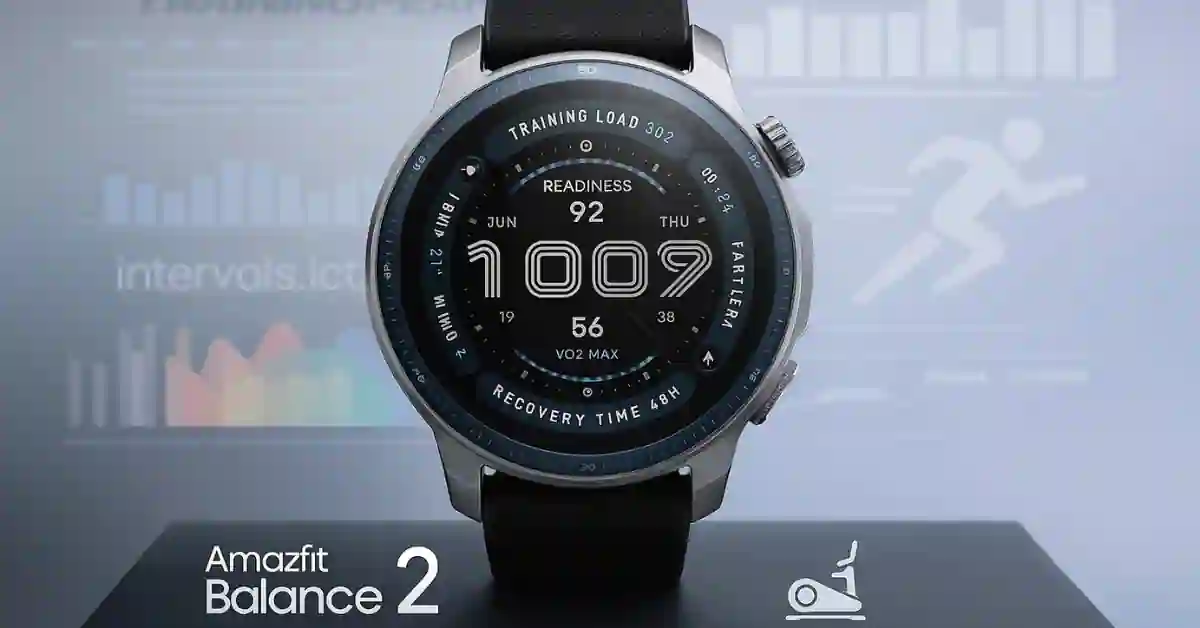
Amazfit has just dropped a massive firmware update (v3.35.0.5) for its flagship Balance 2 smartwatch.
While most sites simply list the patch notes, we’ve broken down exactly how these new features work and how to set them up to maximize your battery life and training.
What’s New in Version 3.35.0.5?
This update focuses on three pillars: Rugged Fitness, Real-time Recovery, and UX Efficiency.
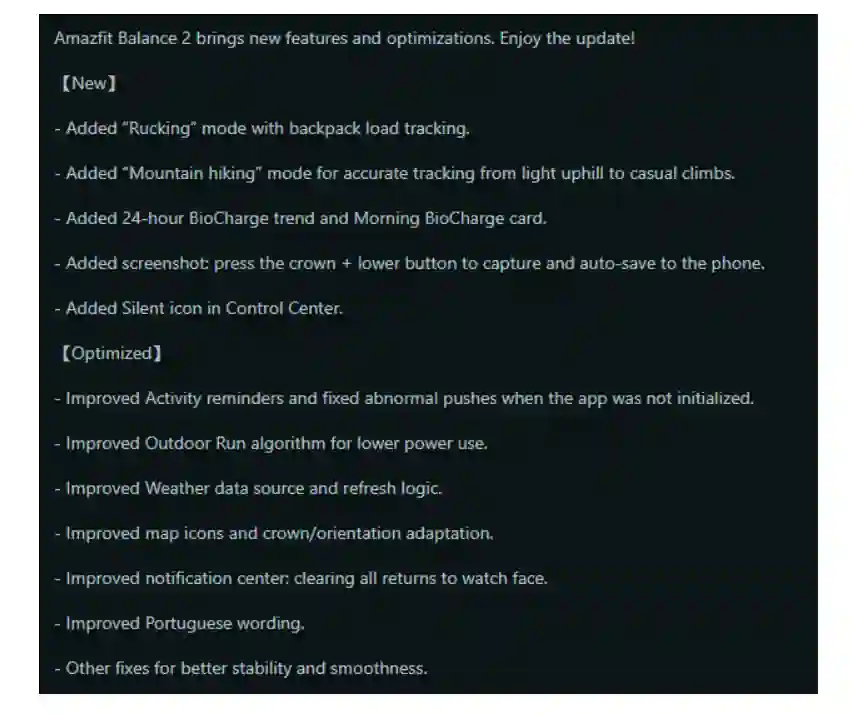
1. New Professional Fitness Modes: Rucking & Hiking
The Balance 2 is moving closer to the T-Rex rugged series with these additions:
- Rucking Mode: Specifically designed for those training with weighted vests or backpacks. Unlike the standard “Walking” mode, this algorithm accounts for additional load to provide a highly accurate calorie-burning and cardiovascular strain metric.
- Mountain Hiking: Optimized for vertical gain. This mode uses the barometer more aggressively to track rapid changes in altitude and trail difficulty.
2. The BioCharge Revolution
“BioCharge” is Amazfit’s answer to Garmin’s Body Battery. This update introduces:
- 24-Hour Trend View: You can now see a graph of how your energy recharges during sleep and depletes during stress or workouts.
- Morning BioCharge Card: A summary that greets you upon waking, telling you exactly how much “fuel” you have for the day ahead.
3. Long-Awaited Utility: Native Screenshots
Finally! You can now capture your watch face without using your phone.
How to take a screenshot: Simultaneously press the Circular Crown and the Lower Button. The image will sync automatically to your phone’s gallery via the Zepp App.
Technical Optimizations: Better Battery & Accuracy
Amazfit didn’t just add features; they fixed the “under-the-hood” issues that users have been reporting on Reddit:
- Outdoor Run Battery Fix: The GPS algorithm has been tuned to reduce power consumption during long-distance runs.
- Weather Reliability: A new data source and a fix for refresh logic address the “Weather Not Updating” bug that plagued the previous version.
- Portuguese Language Fix: Full localization cleanup for Brazilian and European Portuguese users.
Comparison: v3.35.0.5 vs. Previous Version
| Feature | Previous (v3.30.2.1) | New (v3.35.0.5) |
| New Sports | Standard Walking | Rucking (Weighted) |
| Energy Tracking | Basic Readiness Score | 24h BioCharge Trends |
| Screenshots | Not Available | Crown + Button Combo |
| Battery (GPS) | High Consumption | Optimized Algorithm |
How to Update Your Amazfit Balance 2
If you haven’t received the notification yet, follow these steps:
- Open the Zepp App on your smartphone.
- Go to Profile > Amazfit Balance 2.
- Tap System Update.
- Ensure your watch has at least 50% battery before starting.
Pro Tip: This is a phased rollout. If you don’t see it yet, try clearing the Zepp app cache and restarting Bluetooth.
FAQ: Frequently Asked Questions
Q: Will this Update Delete my Data?
No, firmware updates do not delete your health data. However, it is always smart to sync with the Zepp app right before updating.
Q: Does Rucking mode work with any backpack?
Yes. For the most accurate results, you will be prompted to enter your pack weight in the settings menu before starting the activity.
Q: Why is my BioCharge score different from my Readiness score?
Readiness is a static score based on your sleep. BioCharge is dynamic—it changes in real-time as you move and rest throughout the day.
What do you think of the new Rucking mode? Please let us know in the comments below if you’ve noticed improved battery life.
