


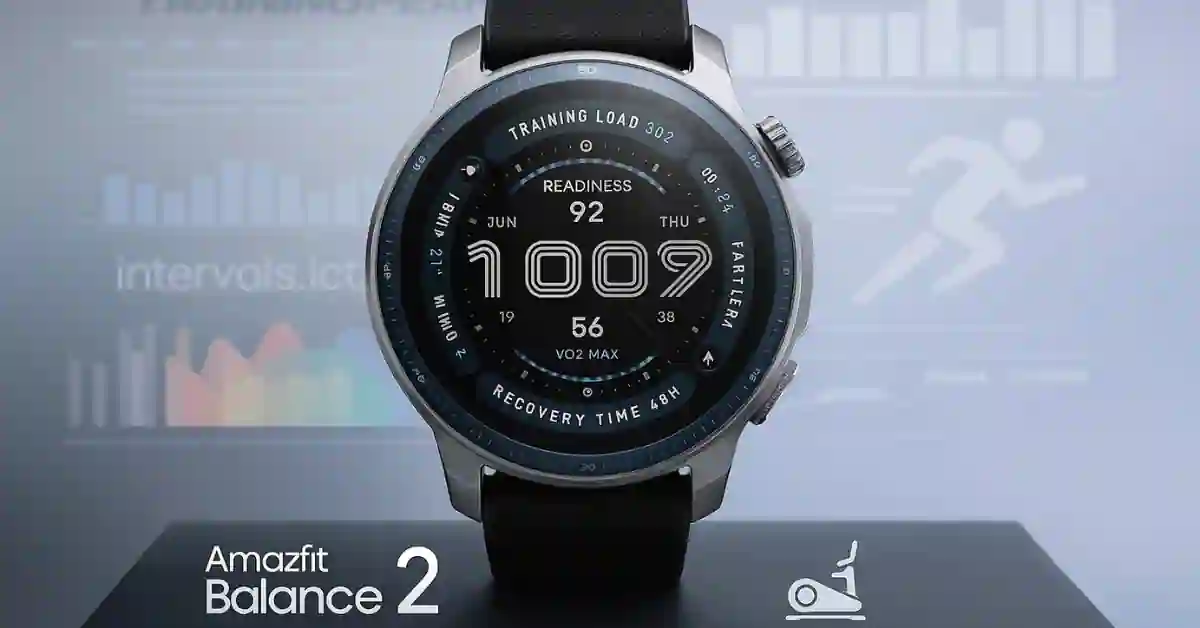
Amazfit has just released a major software update for its flagship smartwatch, the Amazfit Balance 2.
The new firmware version 3.30.0.2, rolling out globally through the Zepp app, transforms the Balance 2 from a capable fitness tracker into a professional-grade training companion.
This Update introduces TrainingPeaks integration, a dedicated Ski Machine mode, and useful Digital Crown shortcuts—three upgrades that make the watch faster, smarter, and more athlete-friendly than ever.
If you’ve been waiting for the Balance 2 to reach its full potential, this is the Update that truly unlocks it.
Looking for a deeper dive into the watch’s capabilities? Check out our Amazfit Balance 2 Full Review to see why we loved it even before this update.
1. Pro-Grade Training: TrainingPeaks Sync Finally Fixes Data Gaps
The biggest highlight of the Amazfit Balance 2 firmware update is the new TrainingPeaks integration. You can now sync your completed workouts, recovery metrics, and performance data directly from the watch to your TrainingPeaks account.
That means no more exporting data manually or relying only on the Zepp app. Structured training plans, TSS scores, and Intensity Factors can now flow seamlessly to your coach or dashboard—just like they do with top-end sports watches from Garmin or Suunto.
Amazfit has also added support for Intervals.icu, a popular tool among endurance athletes for tracking long-term fitness, fatigue, and form.
Together, these integrations make the Balance 2 a serious tool for cyclists, runners, and triathletes who want pro-level data without paying premium watch prices.
Crucially, this integration is currently available for non-China region accounts, and Amazfit has promised faster data syncing for accounts outside of China.
2. New Ski Machine Mode – Track Indoor Cross-Training
For athletes who mix in off-season or indoor training, the new Ski Machine mode is a welcome addition.
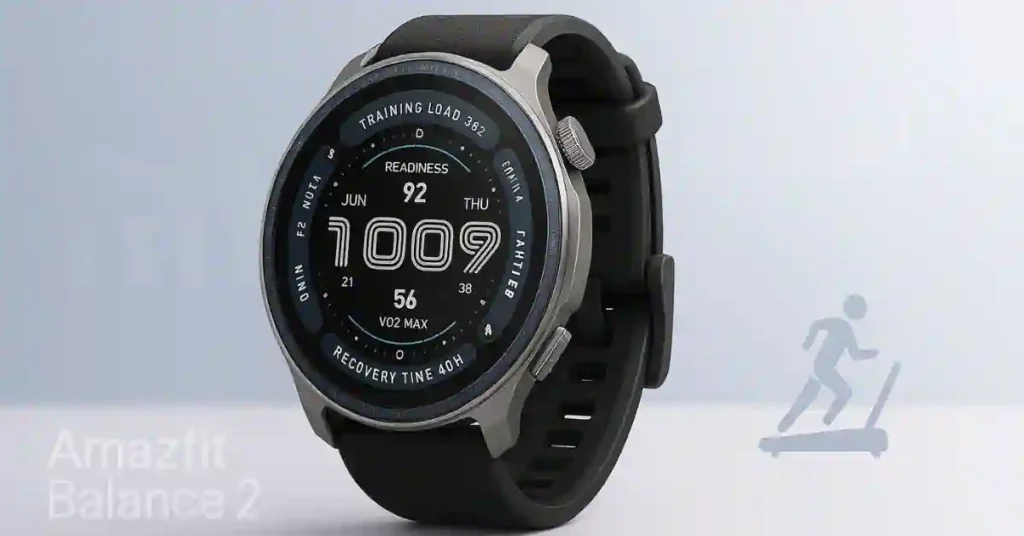
This workout profile is designed specifically for tracking indoor ski trainers, capturing your cadence, calories, and effort with improved precision.
It ensures that your ski sessions and cross-training workouts are logged correctly, giving a more complete view of your overall fitness activity.
3. Instant Access: Digital Crown Shortcuts Deliver Essential QoL
Amazfit has also overhauled the Digital Crown functionality for easier, faster navigation.
- Rotate Up: Opens the Notification Center instantly.
- Rotate Down: Opens the Control Center (for flashlight, brightness, airplane mode, etc.).
No more swiping through multiple menus—these Digital Crown shortcuts make the watch feel snappier and more intuitive.
It’s a small change that improves day-to-day usability, especially during workouts or when wearing gloves.
4. Quality-of-Life Enhancements
Along with the big features, version 3.30.0.2 also adds several smart refinements that make the Balance 2 more comfortable to use every day:
- Volume Zone Control: Adjust sound levels separately for media, alarms, and workout alerts.
- Custom Sound Settings: Choose different tones for calls, notifications, and alarms.
- Text Size Adjustment: Change text size from the settings menu for better readability.
- New Always-On Display Faces: More watch face options to match your style.
These small touches make the Amazfit Balance 2 feel more polished and personalized.
5. Precision Fixes: GPS, Treadmill & BioCharge Accuracy Improved
The latest Update also focuses on accuracy and performance—ensuring the watch is not just smarter, but more reliable:
- GPS Tracking: Enhanced algorithms now deliver smoother, more accurate route maps.
- Treadmill Data: Improved cadence and pace detection for more reliable indoor runs.
- BioCharge Logic: Refined body-energy calculations for more accurate recovery feedback.
- Workout Navigation: Smarter waypoint and slope alerts, with more explicit voice guidance during route tracking.
- Recreational Diving: Upgraded interface, improved vibration feedback, and optimized decompression logic for a safer diving experience.
Together, these improvements make every workout—whether on land or underwater—more precise and meaningful.
Complete Changelog – Amazfit Balance 2 v3.30.0.2
New Features
- Seamless TrainingPeaks and Intervals.icu integration.
- Ski Machine Mode for indoor ski workouts.
- Digital Crown shortcuts for quick navigation.
- Volume Zone Control for separate audio settings.
- Custom Sound Settings for alarms and notifications.
- Text Size Adjustment in system settings.
- New Always-On Display watch faces.
Optimizations & Fixes
- Enhanced GPS accuracy and route tracking.
- Improved BioCharge recovery logic.
- Better treadmill cadence accuracy.
- Smarter workout navigation and voice guidance.
- Optimized diving mode interface and safety cues.
- Overall system stability improvements.
How to Install the Amazfit Balance 2 Update
The rollout is happening in phases, but you can check manually:
- Charge your Amazfit Balance 2 and connect it to your smartphone via Bluetooth.
- Open the Zepp app.
- Go to Profile → My Devices → Amazfit Balance 2.
- Tap System Update (or General → Update).
- If version 3.30.0.2 is available, select Update Now and follow the instructions.
The Update takes a few minutes to install and will reboot your device automatically once completed.
Final Thoughts
The Amazfit Balance 2 Firmware 3.30.0.2 update is easily one of the biggest software jumps for the smartwatch to date.
With TrainingPeaks integration, Ski Machine tracking, and Digital Crown shortcuts, Amazfit is clearly aiming to compete with higher-end fitness brands.
Add in smoother GPS tracking, smarter recovery analytics, and everyday usability tweaks—and the Balance 2 now feels like a complete, polished performance watch for both casual users and serious athletes.
If you already own the Amazfit Balance 2, this Update is a must-install. It’s the one that finally takes your smartwatch from “great” to “elite.”
Don’t wait to unlock your smartwatch’s full potential. Head to the Zepp App on your phone, navigate to your device, and hit System Update to download version 3.30.0.2 today.
Which new feature are you most excited to try first—TrainingPeaks sync or the new Digital Crown shortcuts? Tell us in the comments below.
Dive Deeper
